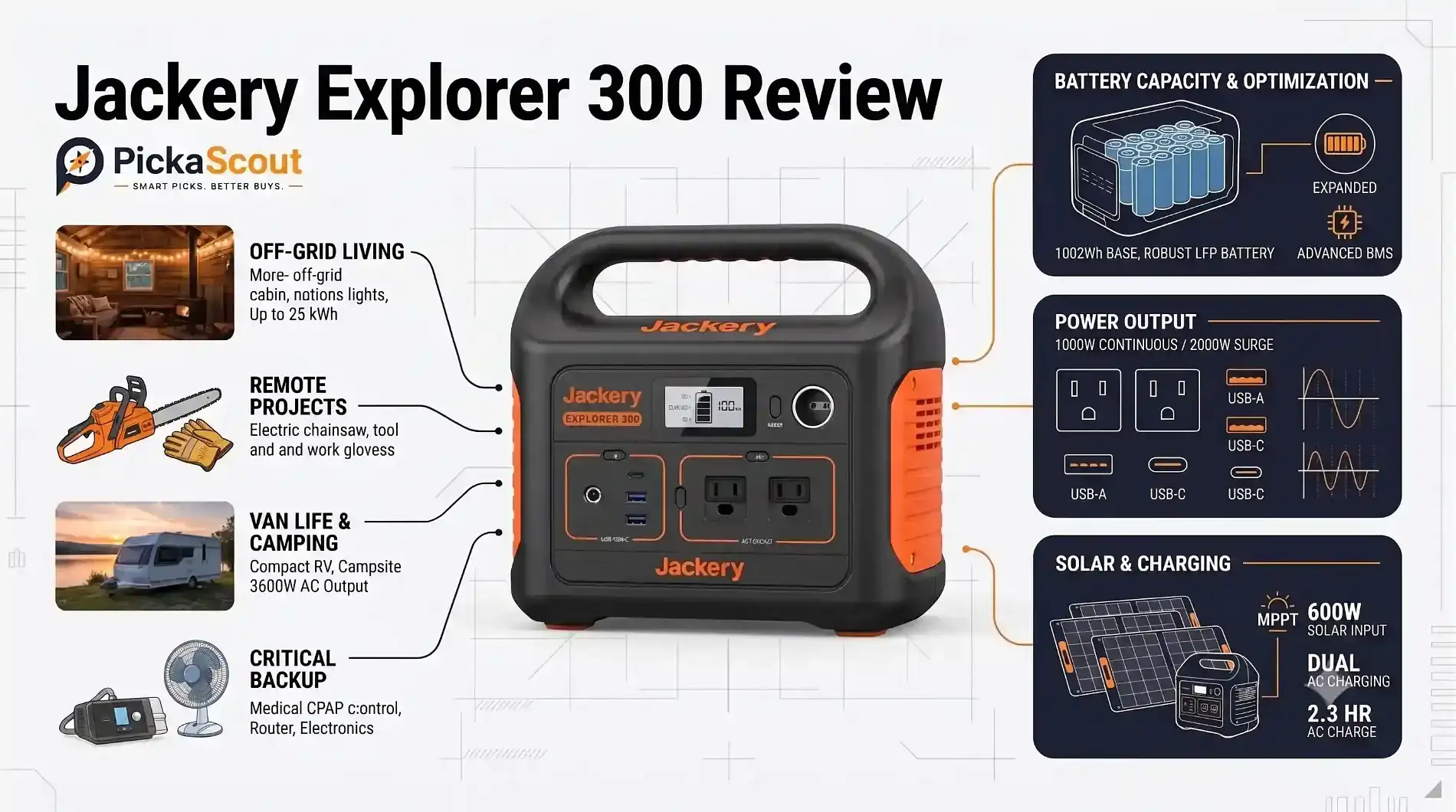
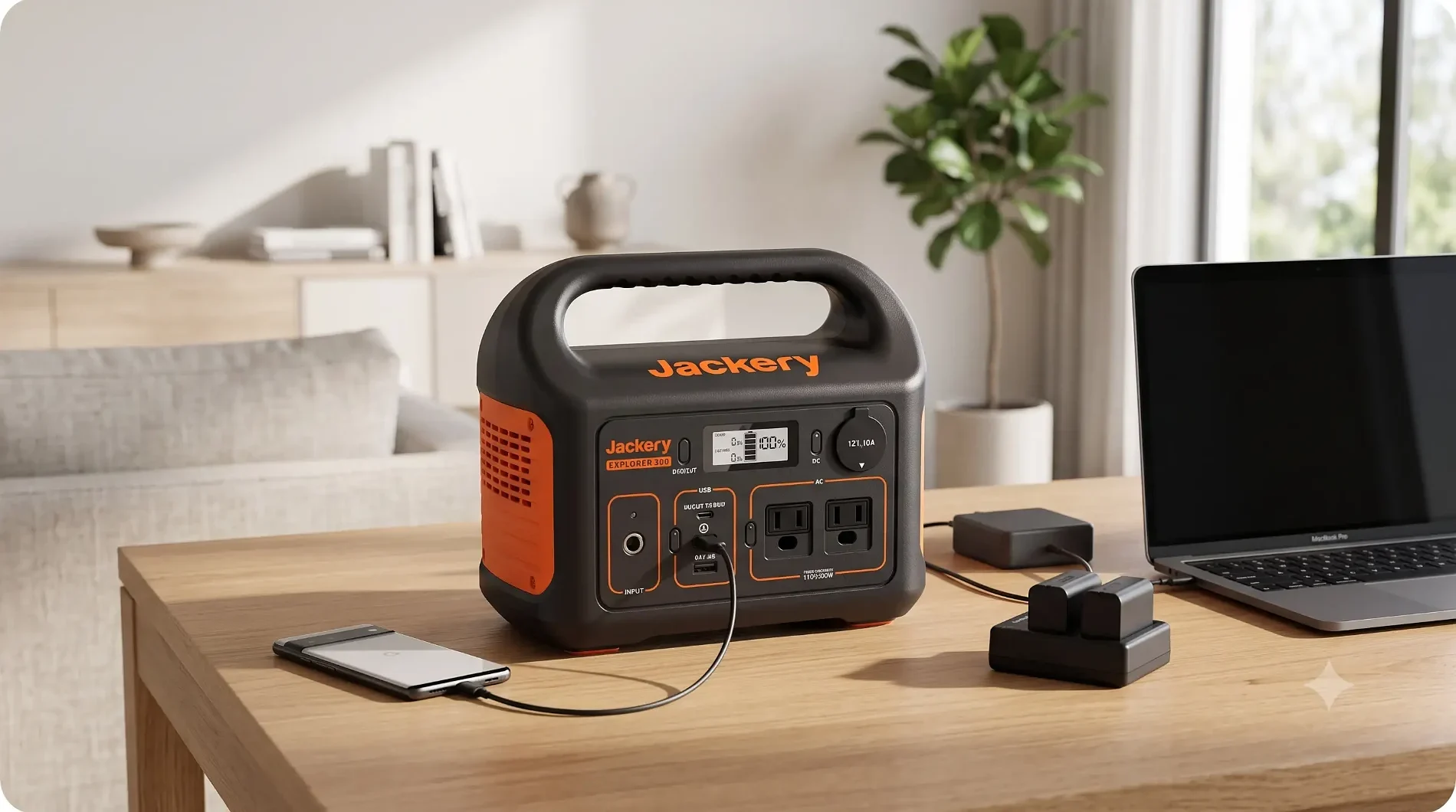
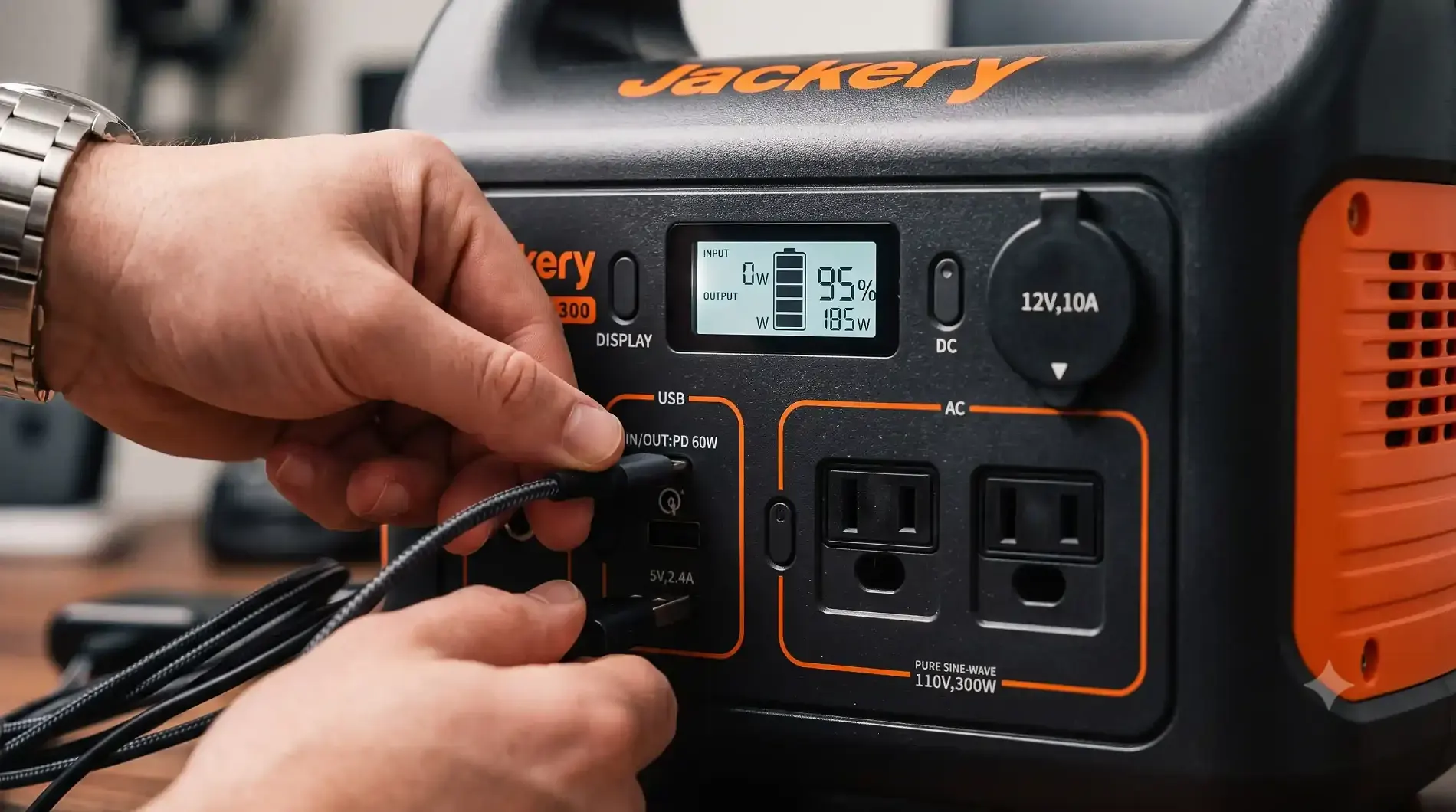

The Jackery Explorer 300 is a compact portable power station designed for people who need more capability than a power bank but do not want to carry a large, heavy battery generator.
With a 293.8Wh lithium-ion battery, 300W AC output, 500W surge capacity, two AC outlets, USB ports, a 12V car outlet, and a 60W USB-C port, the Explorer 300 sits in a useful middle ground for camping, travel, emergency charging, and everyday portable power. Jackery lists the unit at around 3.2 kg (7.1 lb), making it substantially easier to move than larger 1,000Wh-class power stations.
But compact size also means compromises.
The Explorer 300 is not designed to replace a large home backup battery. Its 293Wh capacity limits how long it can operate high-power appliances, while its 300W continuous AC output rules out many heating appliances, kitchen appliances, power tools, and other demanding loads.
So the important question is not simply whether the Explorer 300 is powerful. It is whether 293Wh and 300W are enough for the way you intend to use it.
This Jackery Explorer 300 review looks at its specifications, charging options, ports, battery technology, real-world applications, limitations, and the types of buyers who should consider a compact power station like this.
| Specification | Jackery Explorer 300 |
|---|---|
| Battery capacity | 293.8Wh |
| Battery chemistry | Lithium-ion (NCM) |
| Battery cycle life | 800 cycles to ≥80% capacity |
| Continuous AC output | 300W |
| Maximum instantaneous output | 500W |
| AC output | 110V, 60Hz |
| AC outlets | 2 |
| USB ports | 3 |
| USB-C output | Up to 60W |
| USB-A output | 5V/2.4A, up to 12W |
| Car output | 12V/10A |
| AC recharge time | Around 4.5 hours according to support specifications |
| Car charging | Around 5 hours |
| Dimensions | 23 × 13.3 × 19.9 cm |
| Weight | Around 3.2 kg / 7.1 lb |
| Operating temperature | -10°C to 40°C |
| Warranty | 2 years + 1-year extension when purchased through Jackery’s official website |
Jackery’s current product page also advertises faster charging of around 2.5 hours when using its specified 90W wall charging and 60W USB-C PD charging combination. Because charging time depends on the charging method and configuration, buyers should distinguish this marketing claim from the approximately 4.5-hour AC charging figure listed in Jackery’s support specifications.
That distinction matters because portable power station specifications can sometimes look contradictory when different charging configurations are being discussed.
Before diving into how this power station performs in the wild, let’s examine the raw hardware specifications provided by Jackery.
| Specification | Official Rating & Metric | What It Actually Means For You |
|---|---|---|
| Battery Capacity | 293Wh (14.4V, 20.4Ah) | Enough stored energy to charge an iPhone 15–16 times or run a 45W car fridge for 4–6 hours. |
| Cell Chemistry | Lithium-ion (NMC) | Lighter energy density than LiFePO4, keeping weight low, but rated for ~500 cycles to 80% health. |
| Continuous AC Output | 300W Pure Sine Wave (110V, 60Hz) | Safe for sensitive electronics, audio gear, and laptops; cannot run resistive heating elements. |
| Surge Capacity | 500W Peak | Handles brief startup spikes from small motorized appliances or CPAP compressors. |
| Weight | 7.1 lbs (3.2 kg) | Light enough for a child to carry or to pack in a duffle bag without straining your back. |
| Dimensions | 9.1 × 5.2 × 7.8 in (23 × 13.3 × 19.9 cm) | Roughly the footprint of a compact six-pack cooler; slides neatly behind car seats or onto small nightstands. |
| Total Simultaneous Ports | 6 Output Ports | 2× AC outlets, 1× USB-C PD (60W), 1× USB-A QC 3.0 (18W), 1× USB-A (12W), 1× 12V Car Port (120W). |
| DC Input Port | 8mm DC (12V–30V, up to 90W max) | Direct input for wall adapter or solar panels, such as a Jackery SolarSaga 100W. |
| Recharge Time (Dual) | ~2.0 Hours to 80% | Simultaneous AC wall adapter + 60W USB-C PD input can reduce charging downtime. |
| Operating Temp Range | 14°F to 104°F (-10°C to 40°C) | Broad operating window for outdoor use across a range of temperatures. |
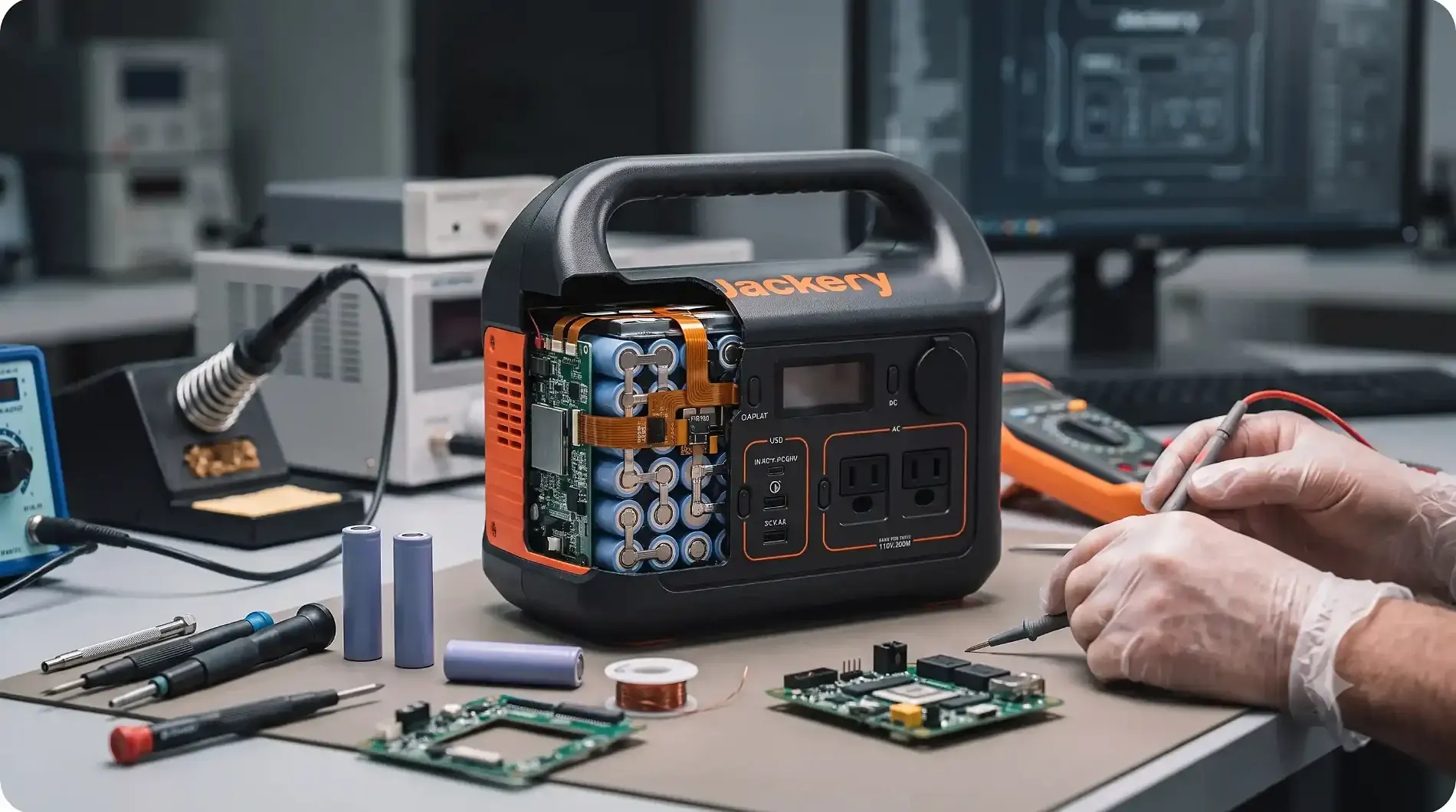
PickaScout evaluates equipment through an everyday usability lens. On paper, two power stations might share the same watt-hour rating, but how they physically behave during transport changes everything.
The Explorer 300 sticks with Jackery’s iconic industrial design: matte dark-gray impact-resistant polycarbonate accented by vibrant safety-orange vents and branding.
Weighing in at precisely 7.1 lbs (3.2 kg), it is remarkably well-balanced. Unlike heavier units that require dual side handles or telescoping luggage pulls, the Explorer 300 features a molded, rigid top handle with subtle underside finger grooves. Because the handle does not fold down, the top surface is not completely flat for stacking, but the trade-off is an indestructible single-piece chassis that doesn’t creak or rattle during transport.
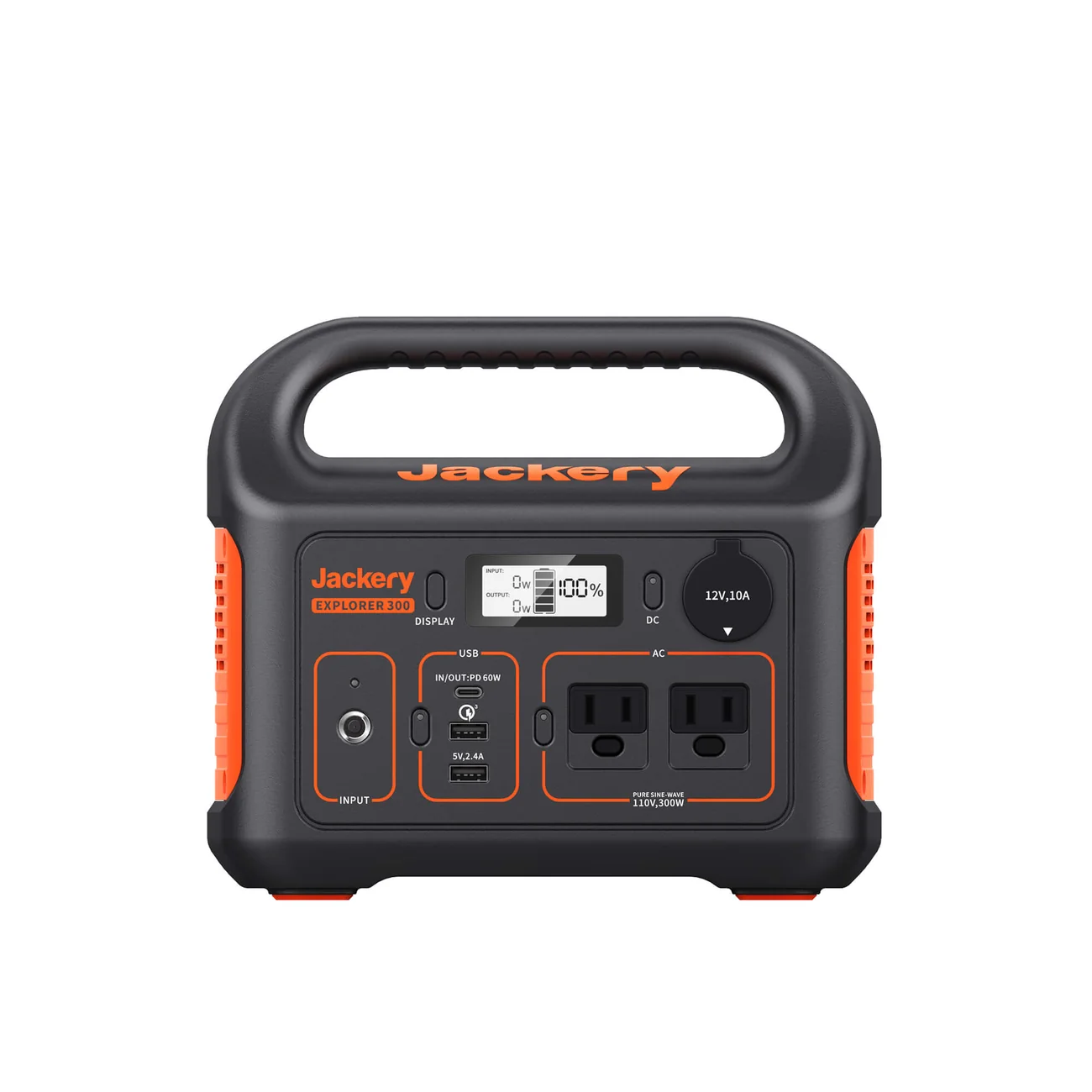
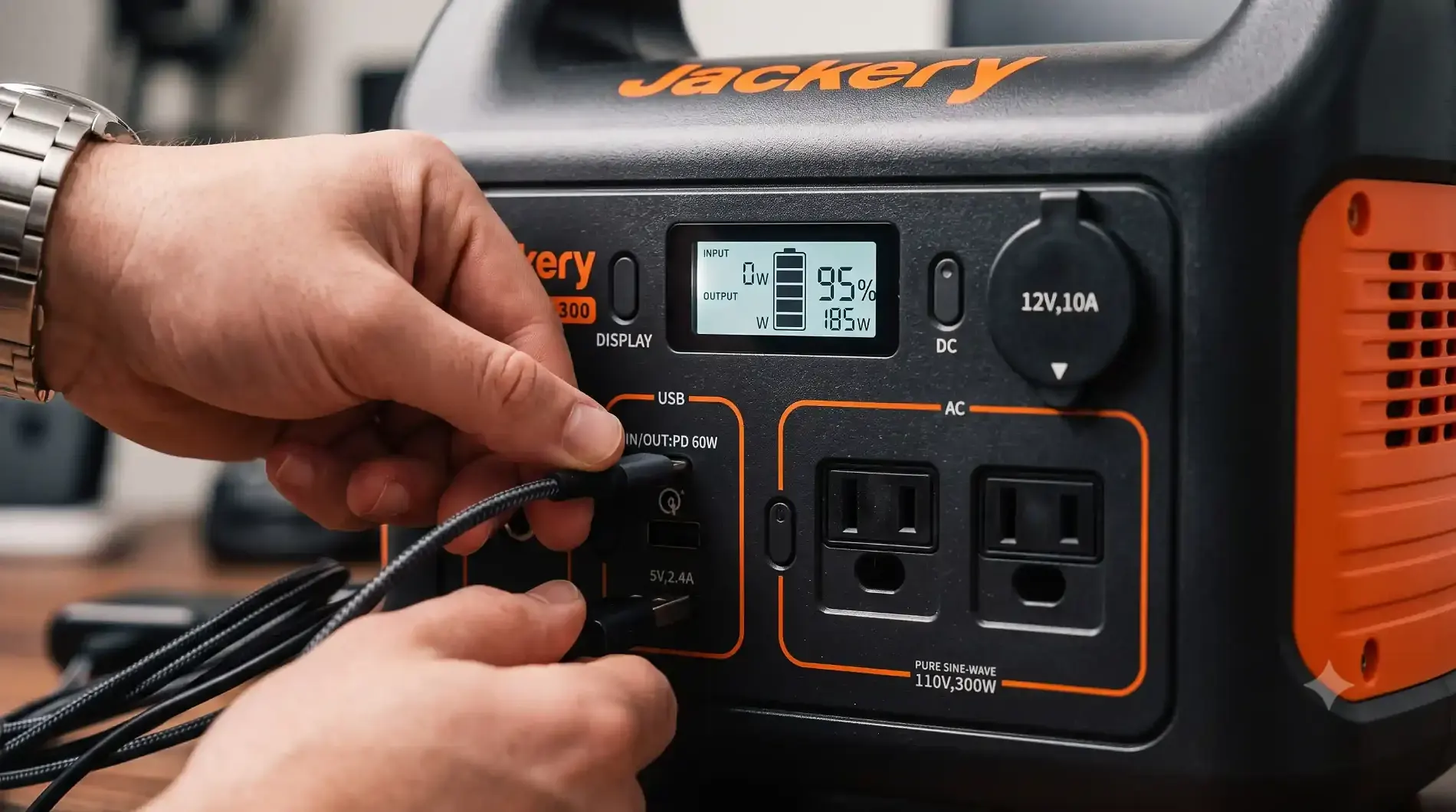
All primary input and output interfaces are front-facing:
The Master Buttons: Unlike units that bury output toggles inside smartphone apps, Jackery keeps physical, tactile click buttons for each zone: AC, USB, and 12V DC. An illuminated green LED lets you know immediately when an inverter or port block is active.
Dual AC Sockets: Having two grounded 110V outlets on a sub-300Wh station is surprisingly convenient. You can keep your laptop power brick plugged in while simultaneously running an LED light or camera battery charging cradle without needing a bulky multi-tap splitter.
Rubberized Base Pads: Four thick rubber feet on the base keep the station elevated off cold, damp camp tables or wet ground, preventing slippage on smooth truck bed liners.
The front features an uncomplicated monochromatic backlit LCD screen. Pressing the “Display” button illuminates the panel, giving you three core metrics:
Input Wattage: Real-time incoming power from solar, wall, or USB-C.
Output Wattage: Real-time cumulative draw from all active ports.
Battery Percentage Graph: A multi-segment battery icon with a numeric percentage readout (0% to 100%).
While it lacks the hyper-detailed “time-to-empty” countdown clock found on higher-tier smart stations or companion Bluetooth apps, the clean percentage readout is rock-solid, refreshes without lag, and remains clearly visible under direct midday sunlight.
Battery capacity is one of the most important specifications to understand before buying a portable power station.
The Explorer 300 stores approximately 293.8Wh of energy.
In simple terms, watt-hours represent how much energy the battery can store.
For example, a device drawing approximately 30W could theoretically use 30Wh every hour. In practice, however, you cannot simply divide the battery capacity by the device’s wattage and expect that exact runtime.
Jackery provides its own approximate calculation:
293Wh × 0.85 ÷ device wattage
Using Jackery’s example, a 30W device could theoretically operate for approximately 8.3 hours under the company’s rough calculation. Actual runtime varies depending on the device, power draw, conversion losses, operating conditions, and how the device is used.
This is why a 293Wh power station should not be described as providing 293Wh of usable AC energy in every situation.
For buyers, the more useful question is:
How much power does your equipment actually consume?
A laptop might use considerably less power than its maximum rated charger wattage during ordinary use. A small fan may cycle between different power levels. A refrigerator compressor can have starting and running requirements that differ substantially.
So runtime estimates should always be treated as approximate rather than guaranteed.
The Explorer 300 provides 300W of continuous AC output, with a maximum instantaneous output of 500W.
This is enough for many everyday electronics but creates a clear boundary around what the power station can handle.
Jackery specifically states that AC-powered devices must operate below the 300W output limit and that the total load must remain below 300W. If the load exceeds the limit, the Explorer 300 can shut off automatically.
That means the Explorer 300 is well suited to equipment such as:
However, it is not designed for high-wattage heating or cooking equipment.
Devices such as full-size electric kettles, space heaters, hair dryers, hot plates, and many larger power tools can exceed the Explorer 300’s continuous output capability.
This is one of the most important limitations buyers should understand before purchasing.
The Explorer 300’s 500W figure should not be confused with its normal operating output.
300W is the continuous AC output.
500W is the maximum instantaneous output rating.
Some electrical devices briefly require more power when starting than they consume during normal operation. The higher instantaneous rating gives the Explorer 300 some additional headroom for short-duration startup demands.
However, the 500W figure does not turn the Explorer 300 into a 500W continuous power station.
For purchasing decisions, the safe approach is to compare the device’s normal and startup requirements against the Explorer 300’s stated limits.
One detail that deserves particular attention is the battery chemistry.
The Explorer 300 uses an NCM lithium-ion battery, according to Jackery’s current support documentation. Jackery rates it at 800 cycles while retaining at least 80% capacity.
This is important because the Explorer 300 is sometimes confused with newer Jackery models that use LiFePO4 batteries.
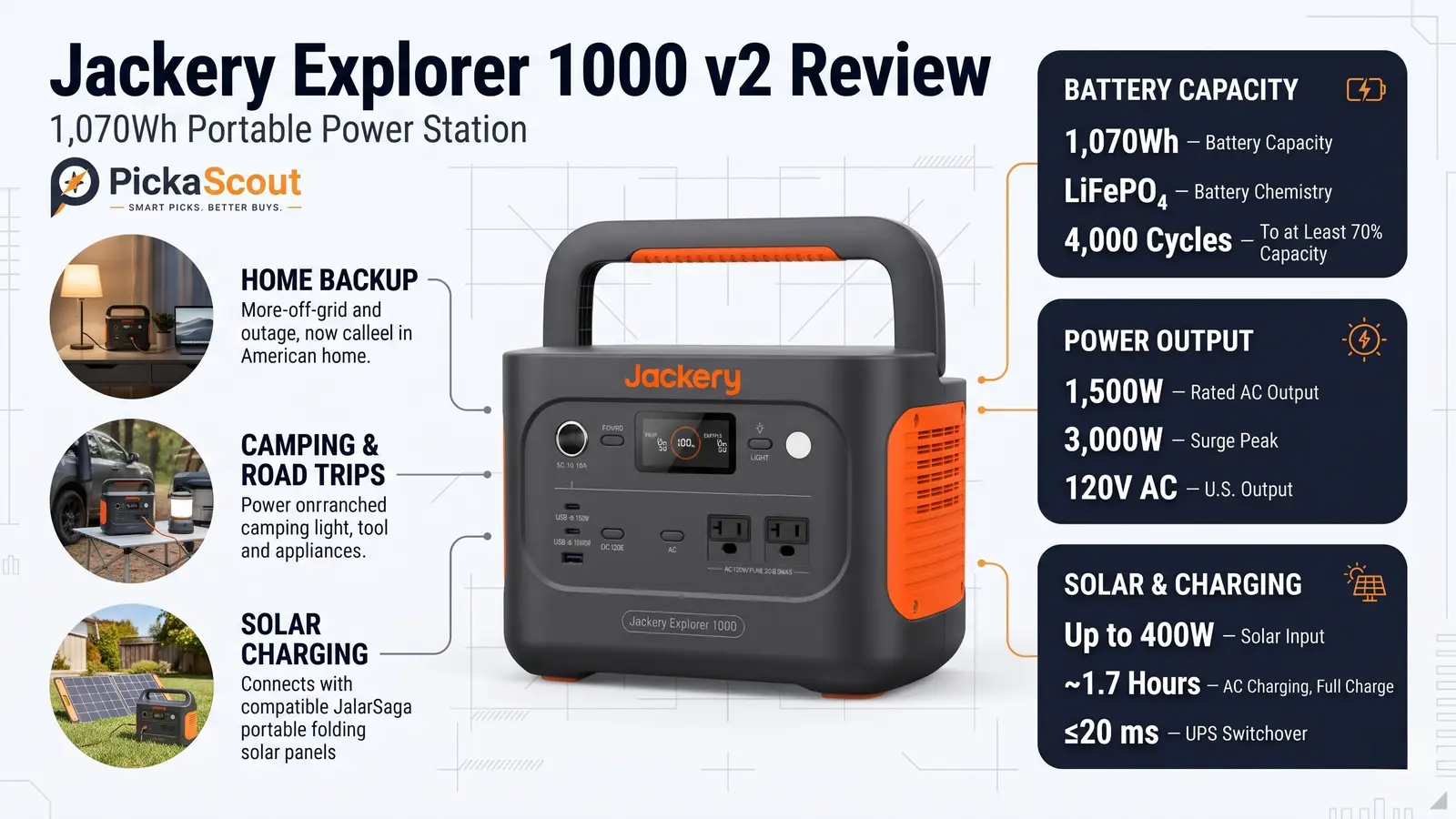
For example, Jackery’s current Explorer 300 v2 uses a different battery chemistry and is listed separately from the original Explorer 300. The v2 uses LiFePO4, while the original Explorer 300 uses NCM lithium-ion.
Therefore, buyers should pay close attention to the exact model name when comparing prices or reading online reviews.
The original Explorer 300 should not be evaluated using the battery specifications of the newer 300 v2.
For a compact power station, the Explorer 300 offers a useful mixture of AC, USB, and 12V outputs.
The Explorer 300 provides two AC outlets with a combined continuous output limit of 300W.
Having two outlets is useful when you need to run or charge multiple AC devices at the same time.
For example, a user could potentially operate a low-power laptop setup while charging another electronic device, provided the combined load remains within the power station’s limits.
The key point is that two outlets do not mean 300W per outlet. The station’s total AC output remains limited to 300W.
The USB-C port supports up to 60W output, making it particularly useful for compatible laptops, tablets, phones, cameras, and other USB-C devices.
For modern electronics, this is one of the more useful features of the Explorer 300 because USB-C charging can eliminate the need for an AC adapter in many situations.
The station also includes USB-A outputs rated at up to 12W.
These are useful for phones, accessories, small electronics, and other conventional USB devices.
A dedicated 12V/10A car-style output provides another option for compatible DC equipment.
This can be useful for camping and vehicle-based applications where a 12V connection is more appropriate than AC power.
Charging speed depends on the charging method.
Jackery’s support documentation lists approximately:
The current product page separately advertises approximately 2.5-hour fast charging using its specified 90W wall charger and 60W USB-C PD charging combination.
The important takeaway is that buyers should not assume every Explorer 300 charging setup will deliver the fastest advertised figure.
If fast turnaround between uses is important, check exactly which charging configuration is included or required.
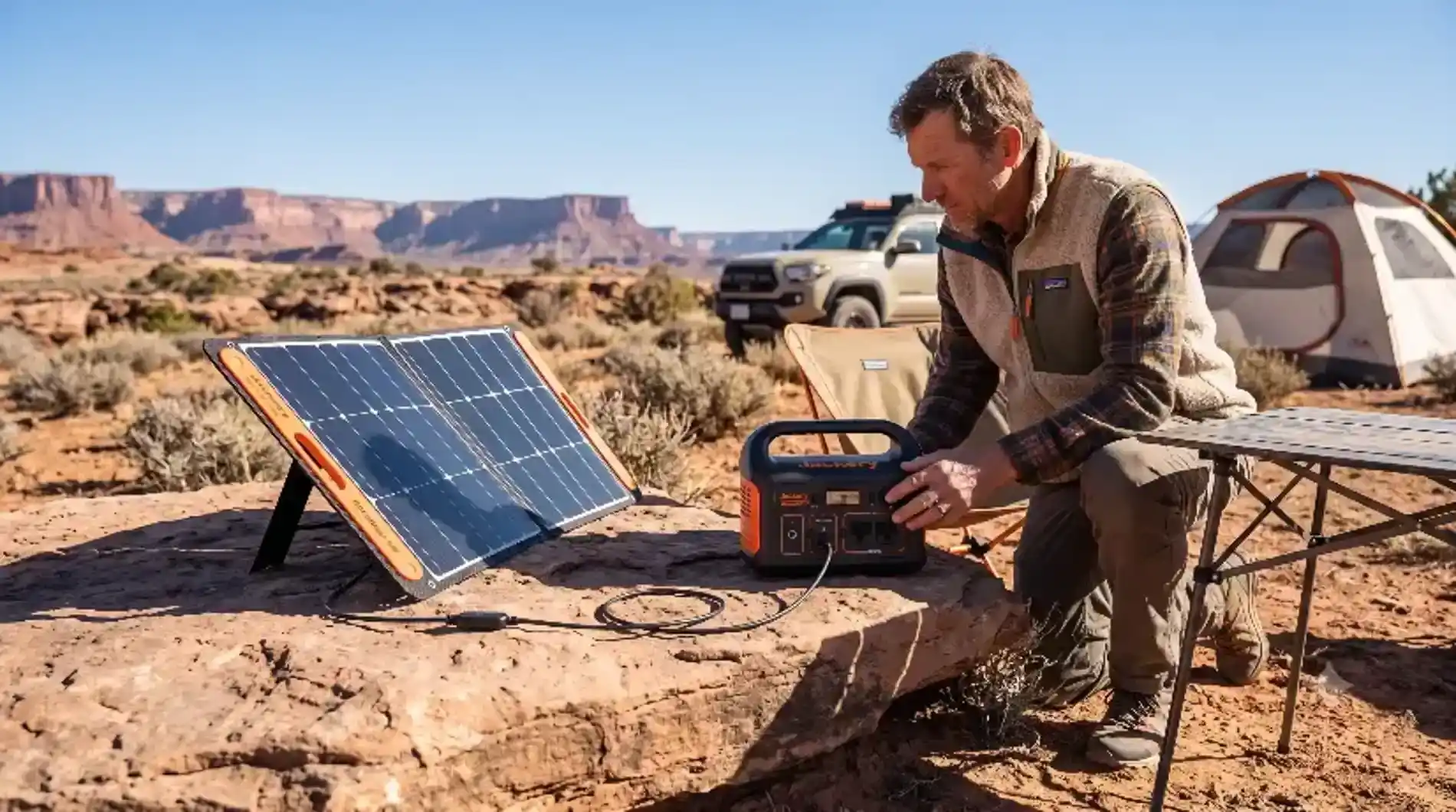
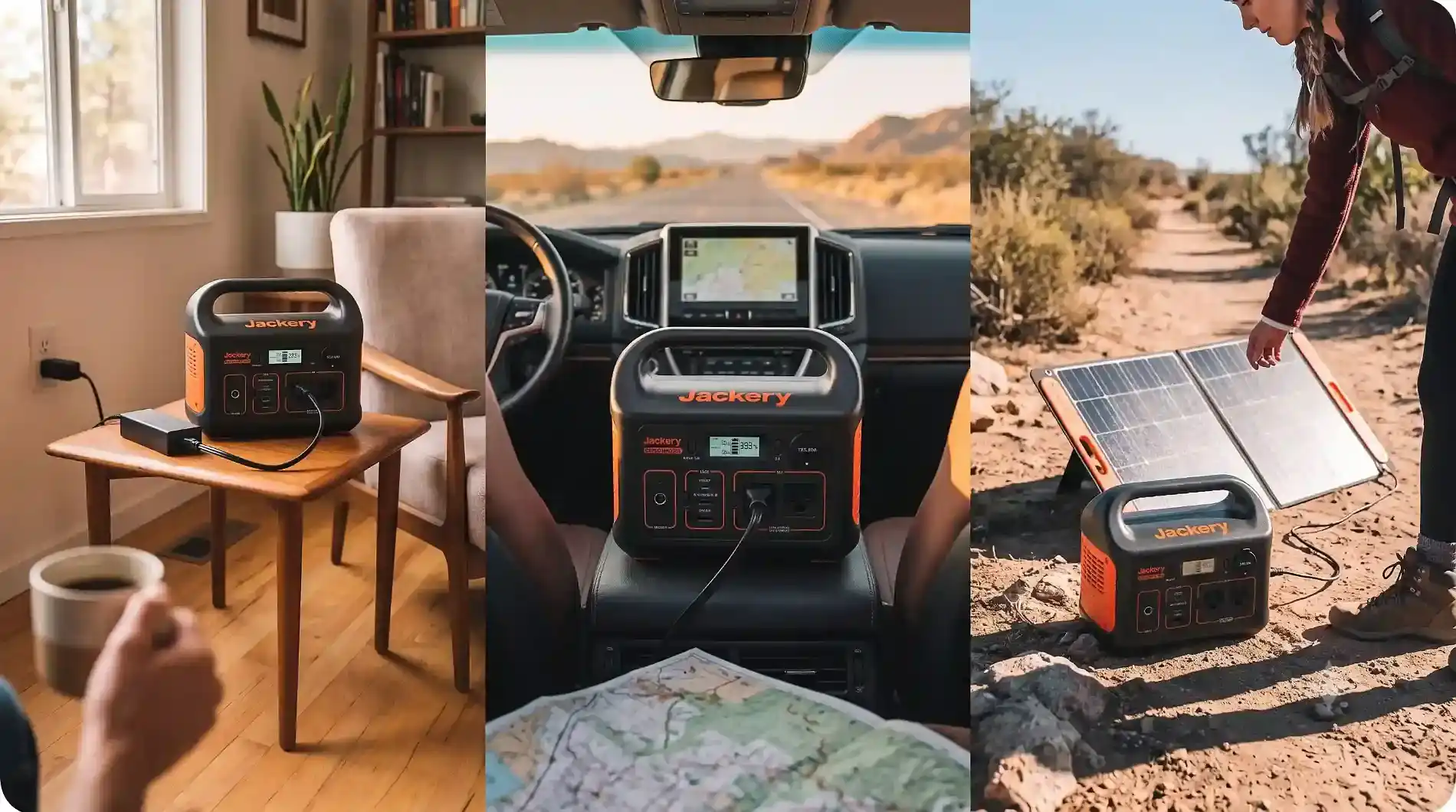
The Explorer 300 can be recharged using compatible Jackery SolarSaga panels.
Jackery’s support documentation lists the station’s DC input at approximately 12.6–22V and 3–7A, with the exact charging time depending on the panel and charging configuration.
Solar charging makes the Explorer 300 more useful for camping and off-grid situations because you can replenish the battery without depending entirely on a wall outlet.
However, solar charging should not be interpreted as a guarantee of a particular charging speed.
Sun intensity, panel orientation, temperature, shading, weather, and the solar panel being used can all affect actual charging performance.
For a buyer planning regular off-grid use, solar compatibility is therefore valuable—but real-world solar conditions still matter.
At approximately 3.2 kg (7.1 lb) and measuring about 23 × 13.3 × 19.9 cm, the Explorer 300 is genuinely portable compared with much larger power stations.
This makes a difference in practical use.
A power station that stays in one place can provide useful energy, but a compact unit that is easy to move can be much more convenient for:
The Explorer 300 is still a battery-powered piece of equipment rather than something you would carry around casually all day, but its size is much more manageable than larger backup systems.
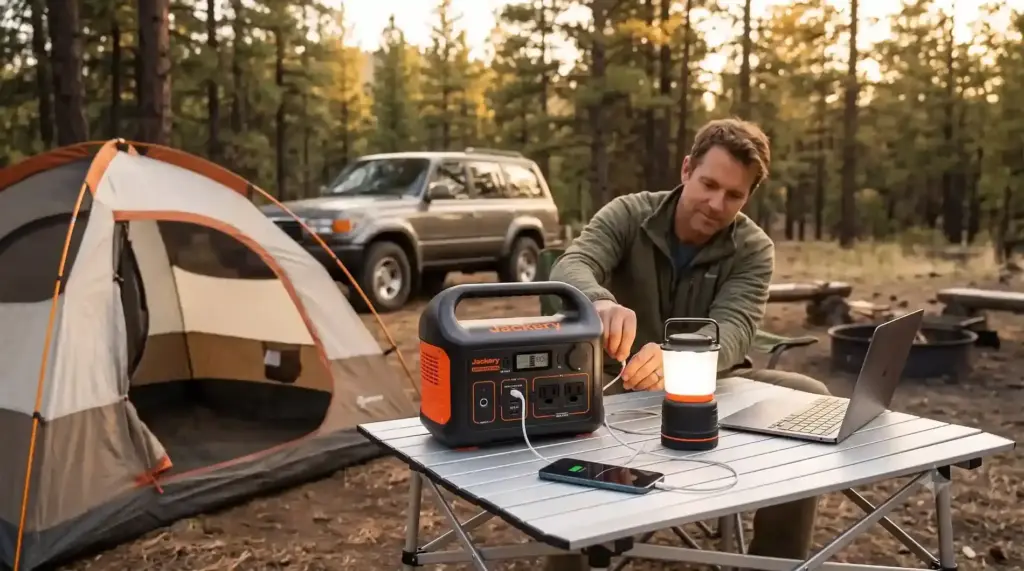
Camping is one of the most natural applications for the Explorer 300.
It can provide portable power for phones, cameras, laptops, lighting, and other electronics without requiring a gasoline generator.
Its relatively compact size also makes it easier to transport in a vehicle.
For occasional weekend camping, the 293Wh capacity can be useful without requiring the weight and bulk of a much larger power station.

During a short power outage, the Explorer 300 can provide backup power for selected low-power electronics.
For example, you could use it to keep phones charged, power networking equipment, operate lighting, or support a laptop.
The important limitation is capacity.
A 293Wh power station should not be treated as a complete household backup system. It is better suited to prioritizing essential electronics.

The Explorer 300 can also make sense for people who work away from conventional electrical outlets.
A laptop, phone, small monitor, and networking equipment can potentially operate from a compact portable power station, depending on their actual power consumption.
The 60W USB-C output is particularly useful for compatible laptops because it can provide direct USB-C power without necessarily requiring the laptop’s conventional AC adapter.
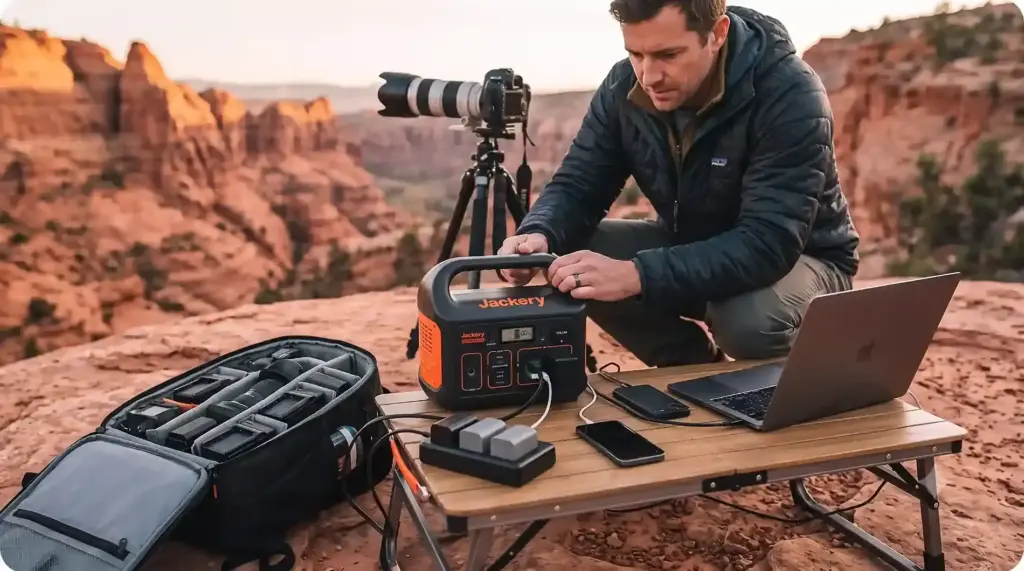
Photographers and content creators often need portable electricity for cameras, batteries, laptops, lights, and accessories.
The Explorer 300’s combination of AC and USB outputs can make it useful as a mobile charging hub.
Its relatively low weight is also helpful when compared with larger power stations.
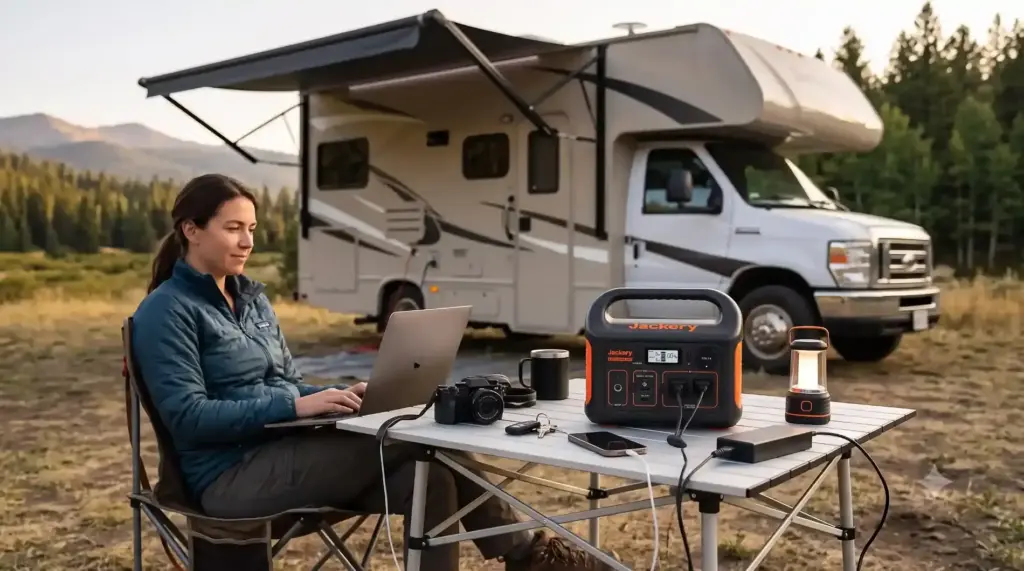
The Explorer 300 can work as a supplemental power source for lighter RV or vehicle-based electrical needs.
However, buyers should carefully calculate their expected loads.
If you want to run larger appliances for extended periods, a 293Wh/300W system will quickly become limiting.
There is no single runtime number that applies to every device.
Jackery’s approximate formula is:
Runtime ≈ 293Wh × 0.85 ÷ device wattage
Using that approach:
| Approx. Device Load | Rough Estimated Runtime* |
|---|---|
| 20W | ~12.5 hours |
| 30W | ~8.3 hours |
| 50W | ~5.0 hours |
| 75W | ~3.3 hours |
| 100W | ~2.5 hours |
| 150W | ~1.7 hours |
| 200W | ~1.25 hours |
| 300W | ~0.83 hours |
*These are approximate calculations using Jackery’s stated formula, not guaranteed real-world runtimes. Actual performance varies with the device, conversion losses, power-management behavior, operating conditions, and usage.
The table illustrates an important point:
The Explorer 300 becomes much more useful when paired with efficient electronics.
A 30W device can potentially operate for many hours, while a device continuously drawing close to 300W can consume the available energy much more quickly.
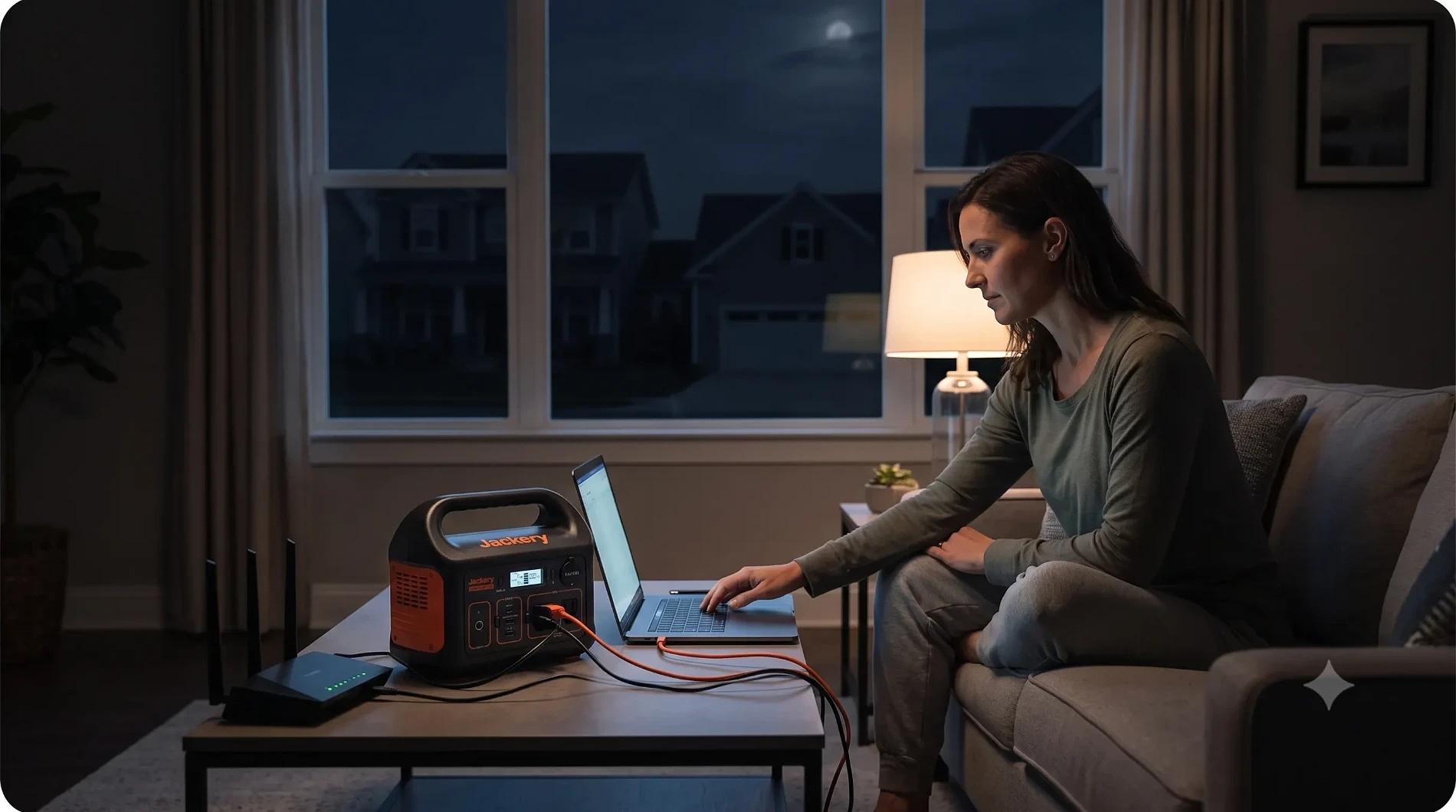
The answer depends on what you mean by “home backup.”
For small emergency electronics, yes.
For whole-home backup, no.
The Explorer 300 is useful for prioritizing essential devices such as:
But the combination of a 293.8Wh battery and 300W AC output means it is not designed to operate large household appliances or provide long-duration backup for a typical home.
If your goal is refrigerator backup, multiple appliances, electric heating, cooking equipment, or extended outage coverage, a substantially larger power station would be more appropriate.
That distinction is important because buying a compact power station for a large backup requirement can lead to disappointment even if the product itself performs exactly as advertised.
Jackery lists the Explorer 300 at approximately 36.4dB for noise on its product page.
For situations where people are sitting nearby—such as camping, working at a desk, or using the station inside a living area—noise can be an important consideration.
Unlike a gasoline generator, the Explorer 300 does not require an engine running continuously to produce AC power.
That makes the basic experience fundamentally different from traditional fuel-powered generators.
Still, fan behavior can vary depending on operating conditions and load, so buyers should not interpret a published noise figure as meaning the unit will be completely silent in every situation.
The Explorer 300 uses a PC + ABS high-strength plastic housing, according to Jackery’s current support documentation.
Jackery also highlights battery-management and protection features for the unit.
For portable electronics, these protections are important because the power station needs to manage charging, discharging, voltage, current, and temperature conditions.
The Explorer 300 also uses pure sine wave AC output, which is useful for powering many types of electronic equipment. Jackery’s support documentation specifically identifies its AC output as pure sine wave.
One of the biggest considerations when evaluating the Explorer 300 today is that Jackery’s lineup has evolved.
The company currently lists the original Explorer 300 alongside newer products including the Explorer 300 v2 and Explorer 300D.
This matters because model names can look very similar while the underlying specifications are different.
The Explorer 300 v2, for example, is listed by Jackery with a 288Wh LiFePO4 battery and 4,000-cycle rating to ≥70% capacity, while the original Explorer 300 uses a 293.8Wh NCM lithium-ion battery with an 800-cycle rating to ≥80%.
Therefore, a buyer comparing prices should verify the exact model before assuming that specifications from one version apply to another.
For PickaScout readers, this is particularly important because online retailers and older reviews may refer to the original Explorer 300 while newer content discusses the 300 v2.
The Explorer 300 makes the most sense for buyers who prioritize portability and simplicity over maximum capacity.
It can be a practical choice for someone who wants:
It is especially appealing when the primary loads are relatively efficient.
The Explorer 300 is not the right class of product if your main objective is powering high-wattage appliances or maintaining household power for an extended outage.
You should consider a larger power station if you need:
In those situations, the most important upgrade is not simply a larger inverter. You also need significantly more battery capacity.
The Explorer 300’s appeal comes from its balance of size, weight, capacity, and output.
Its 293.8Wh battery is large enough to be considerably more useful than a conventional power bank, while its 300W AC inverter gives it the flexibility to power devices that require a standard household-style outlet.
At the same time, its limitations are straightforward.
The 300W continuous output means it is not a high-power appliance station, and the relatively small battery means it is not intended for long-duration household backup.
The original Explorer 300’s NCM lithium-ion battery also distinguishes it from newer Jackery models that use LiFePO4 technology.
For the right use case, however, those limitations may not be a problem.
If your priority is a portable power source for electronics, camping, travel, photography, remote work, and short emergency situations, the Explorer 300 offers a straightforward combination of outputs in a compact package.
The more important question is whether its 293.8Wh capacity and 300W output match your actual devices.
If they do, the Explorer 300 can be a practical compact power station. If your requirements are centered around large appliances or long-duration backup, stepping up to a larger-capacity model is likely to be more appropriate.
The Jackery Explorer 300 is best understood as a compact portable power station for personal electronics and lighter electrical loads, rather than a substitute for a full-size home backup system.
Its strongest attributes are portability, a useful selection of AC and DC outputs, a 60W USB-C port, solar-charging capability, and enough capacity for many common low-power applications.
Its limitations are equally important: 293.8Wh is a relatively modest battery, and 300W is a firm ceiling for continuous AC loads. Buyers who understand those boundaries are much more likely to get the experience they expect.
For camping, travel, remote work, photography, emergency electronics, and other lightweight applications, the Explorer 300 occupies a practical category.
For demanding appliances and serious outage protection, it belongs to a different conversation—and a larger power station is the appropriate class to investigate.
Yes. You can charge the Explorer 300 via solar, wall outlet, or car input while simultaneously powering connected devices through its AC or DC output ports. Keep in mind that pass-through charging can generate extra heat, so the internal cooling fan may activate.
The Jackery SolarSaga 100W is the ideal pairing. The Explorer 300’s DC input port accepts up to 90W maximum input (12V–30V), meaning a 100W panel safely maxes out the unit’s solar charging capability without wasting excess solar panel capacity.
You can expect the unit to hold most of its charge for 6 to 12 months due to low internal self-discharge. However, sitting at 100% or dropping to 0% in storage can damage the NMC cells over time. For optimal health, Jackery recommends charging the unit to around 60%–80% before storing it and plugging it in at least once every 3 months to maintain cell balancing.
No, the standard Explorer 300 does not have an integrated LED light. This design choice keeps the form factor streamlined. While common on competitive units (like the EcoFlow River 2), Jackery assumes users of this ultra-portable unit already carry dedicated headlamps, flashlights, or have LED string lights that can be powered via the USB or 12V ports.
Absolutely not. The Explorer 300 is designed strictly as a standalone off-grid power supply. It does not have an integrated transfer switch and should never be connected to your home’s main electrical panel or output receptacles (e.g., via a “suicide cord” or male-to-male adapter). Doing so is extremely dangerous and can cause fatal backfeeding, fire, or catastrophic destruction of the power station.
Yes, the Explorer 300 features an internal thermal management fan that automatically activates during heavy power draws (sustained AC loads above ~150W) or when dual-charging. It is designed to operate safely in ambient temperatures up to 104°F (40°C). However, leaving the unit running in direct, harsh mid-day sun (e.g., on black asphalt or inside a closed car in summer) can trigger its thermal protection shutdown to protect the BMS.
The bidirectional USB-C port on the Explorer 300 is rated for a maximum output of 60W Power Delivery (PD) and a maximum input (for charging the Jackery itself) of 60W PD. This is ideal for most 13-inch and 14-inch laptops and all modern tablets/smartphones. However, 16-inch high-performance workstations (like a MacBook Pro 16″) will pull power faster than the 60W limit under full rendering loads, causing the laptop battery to slowly deplete while plugged in.
You can use third-party solar panels, provided they adhere to the Jackery’s input specifications (8mm DC input: 12V–30V, up to 90W maximum). The unit uses a common 8mm (DC7909) barrel connector. If using a third-party panel, you must ensure the Open Circuit Voltage (Voc) does not exceed 30V. If the panel uses MC4 connectors, you will need a corresponding MC4-to-8mm adapter. The built-in MPPT controller will automatically manage the compatible voltage stream.
Portable Power Station
Latest Reviews
Top Brands
Latest Comparision Reviews
Buying Guides
Important Tags

Website security powered by MilesWeb